TechIndustry
TechIndustry is a scalable, production-ready web platform for IT education, skill development, and automated knowledge assessment. The project is designed with a strong focus on clean architecture, performance, and real-world learning workflows.
Overview
TechIndustry provides a modern Learning Management System (LMS) that enables users to study structured IT courses, track progress in real time, and receive certificates upon course completion. The platform supports both authenticated users and guests, ensuring an accessible entry point while preserving full functionality for registered learners.
Technologies
The platform is built using a robust and maintainable technology stack:
- Backend: Node.js, Express.js
- Database: PostgreSQL (Azure Database for PostgreSQL)
- ORM: Sequelize
- Architecture: Layered MVC (Routes, Controllers, Services, Models)
- Templating: Handlebars (HBS)
- Authentication: JWT-based authentication + Google OAuth 2.0
- Email Service: Nodemailer-based SMTP integration for account verification and transactional emails
- SEO: Dynamic meta tags, Open Graph support, canonical URLs, robots.txt, sitemap.xml
- Cloud & Deployment: Microsoft Azure App Service, custom domain configuration
- Security: Helmet (CSP, HSTS), CSRF protection, Rate limiting, Input sanitization
- Performance: Compression (gzip), static asset caching, SSR-friendly rendering
- UI/UX: Custom CSS (Glassmorphism), responsive layout, modern typography
- Environment Configuration: Secure
.envconfiguration
Performance & Security
- Compression enabled for responses (gzip)
- Static caching for
public/andassets/with long-lived cache headers - Helmet with CSP + HSTS for safer SSR pages and CDN assets
- Global rate limiter to protect endpoints
- CSRF protection enabled (csrf token exposed to templates)
- Mongo sanitize middleware for payload safety (works as extra hardening)
Screenshots
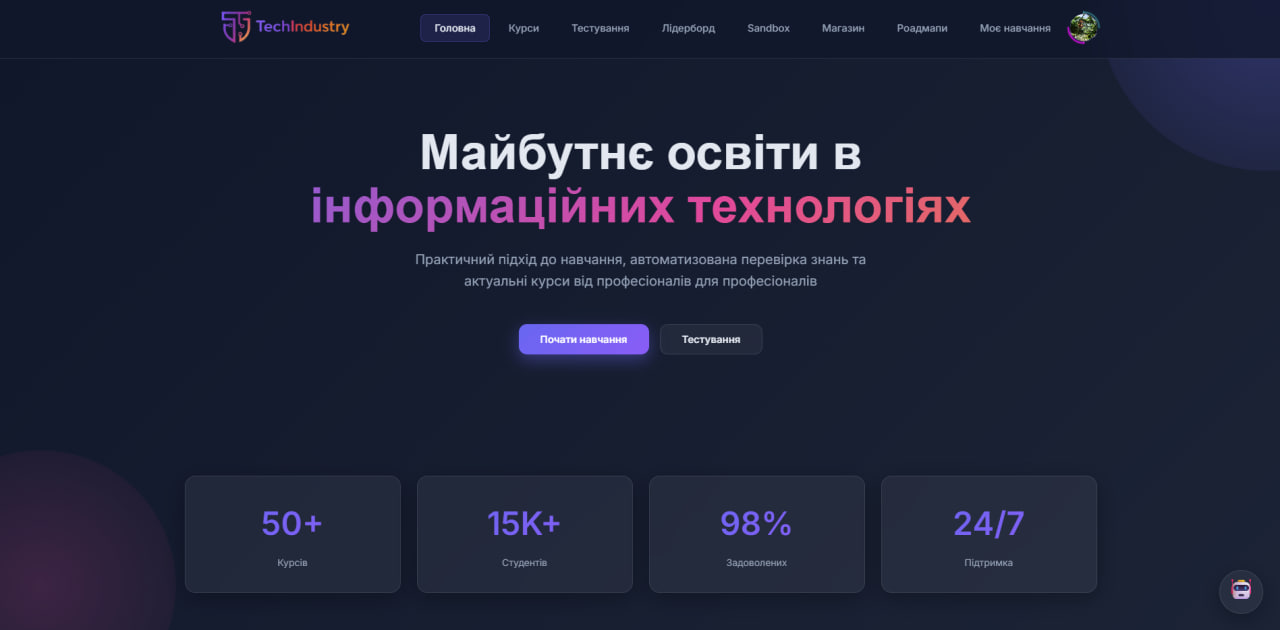
Home Page
Main landing page with platform overview and featured courses.
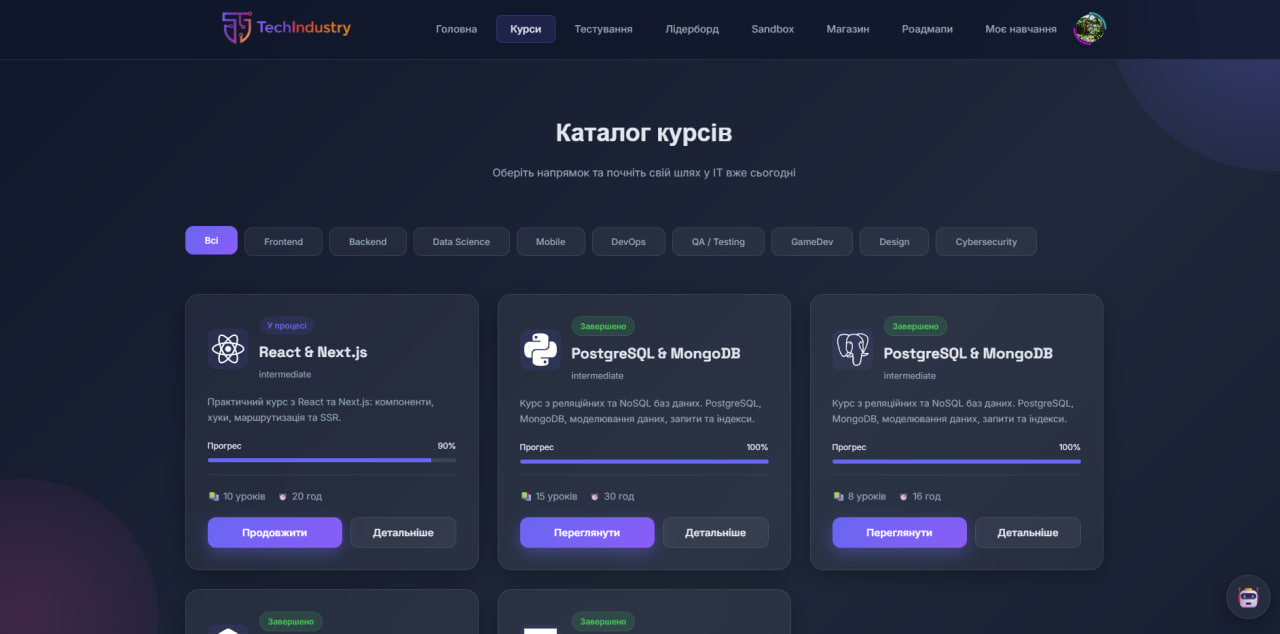
Course Catalog
Browse all available courses and learning tracks.
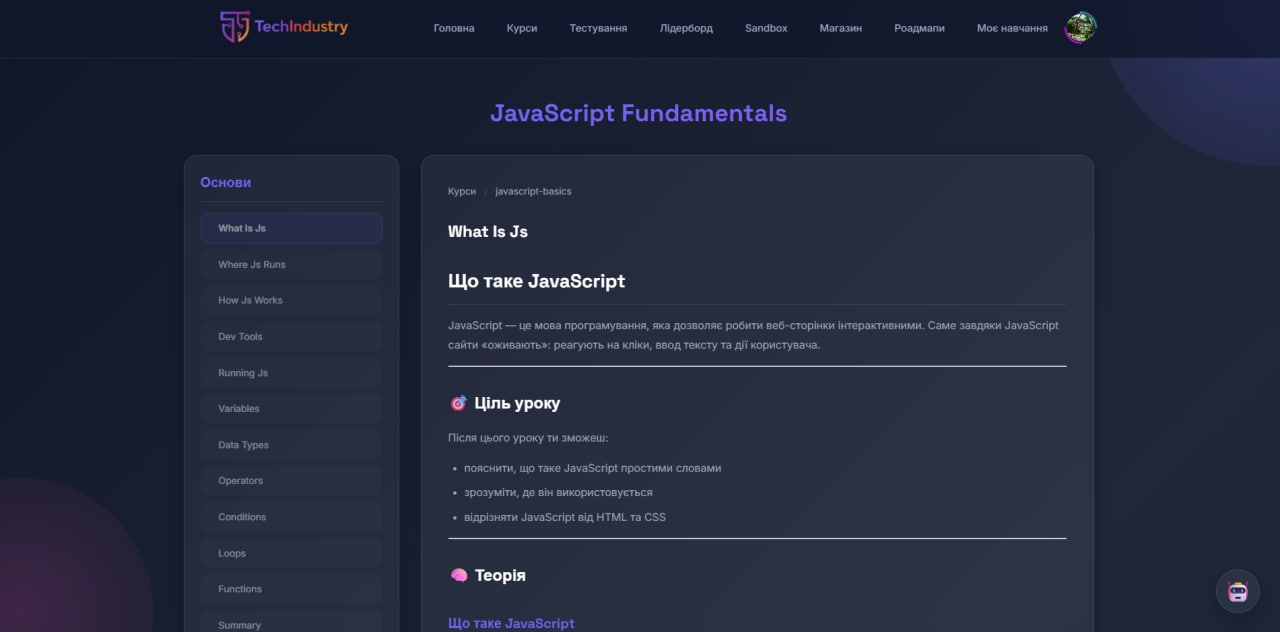
Course View
Detailed course structure with modules and lessons.
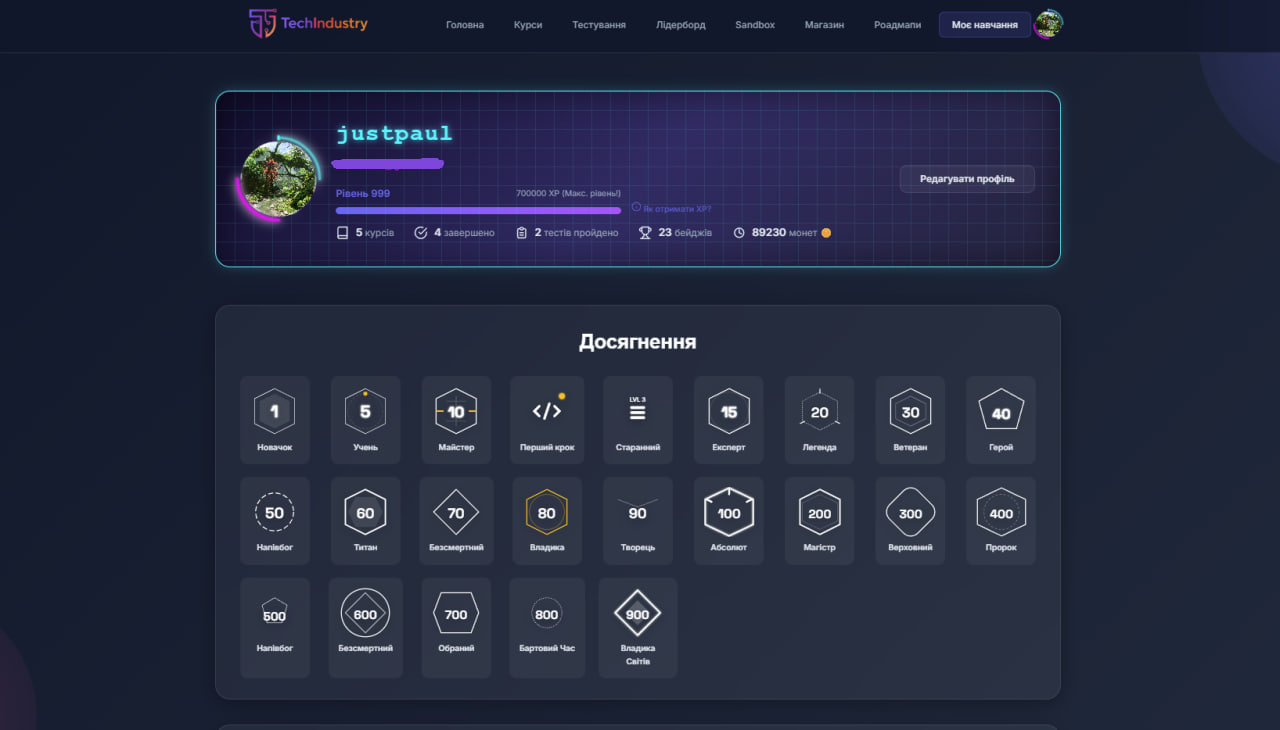
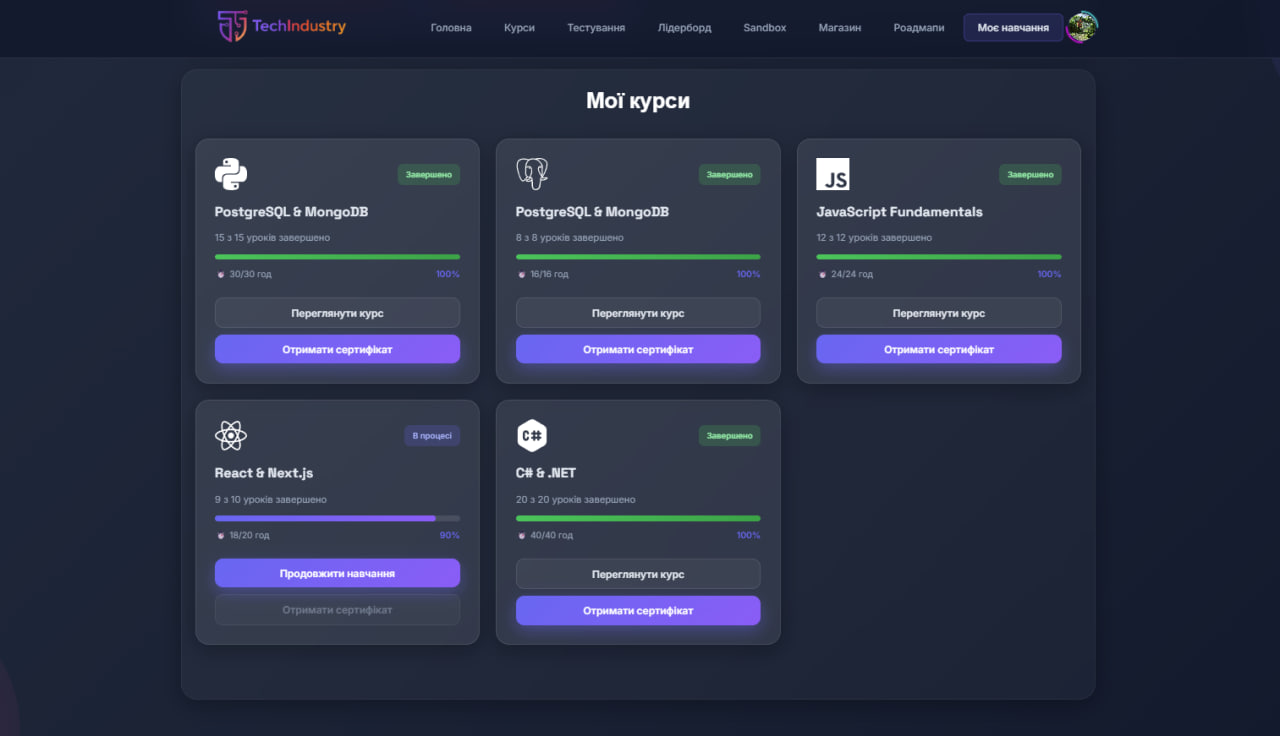
User Profile
Personal dashboard with progress, statistics, and achievements.
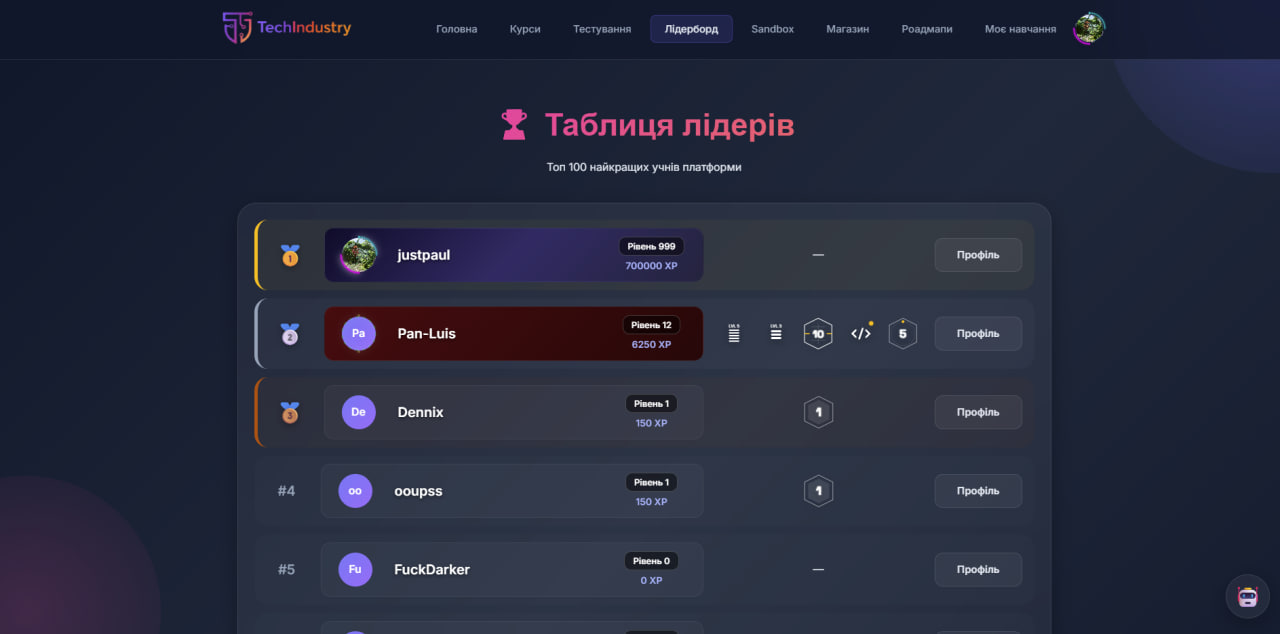
Leaderboard & Achievements
Top users, ranking system, and gamification stats.
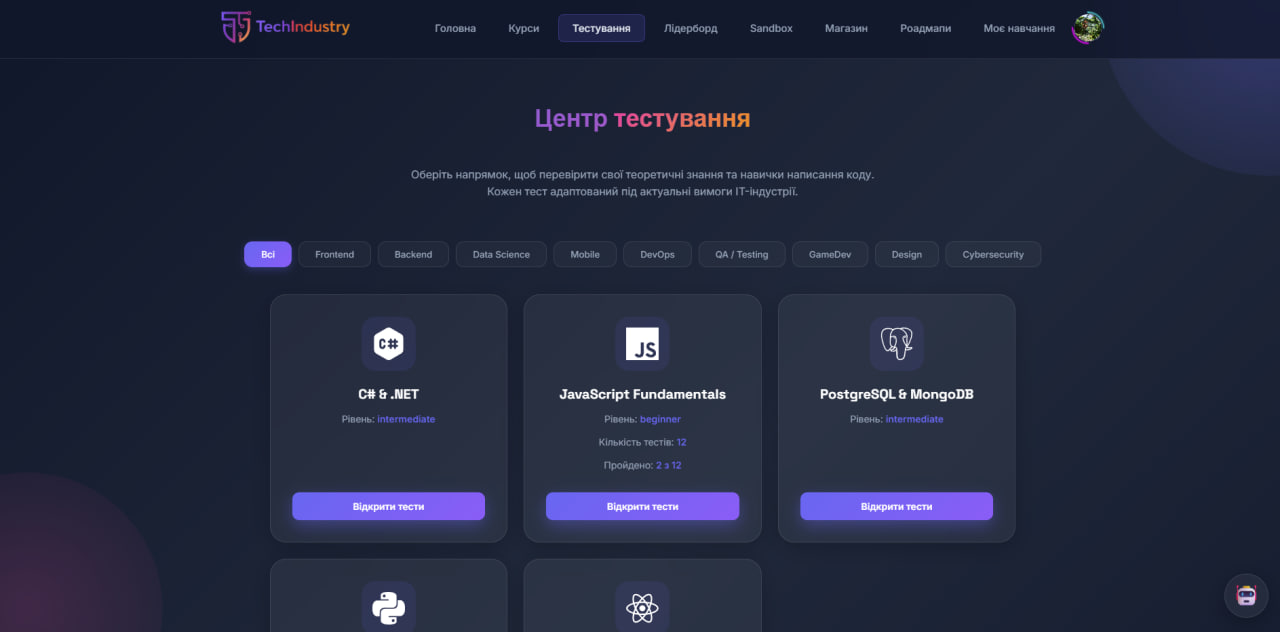
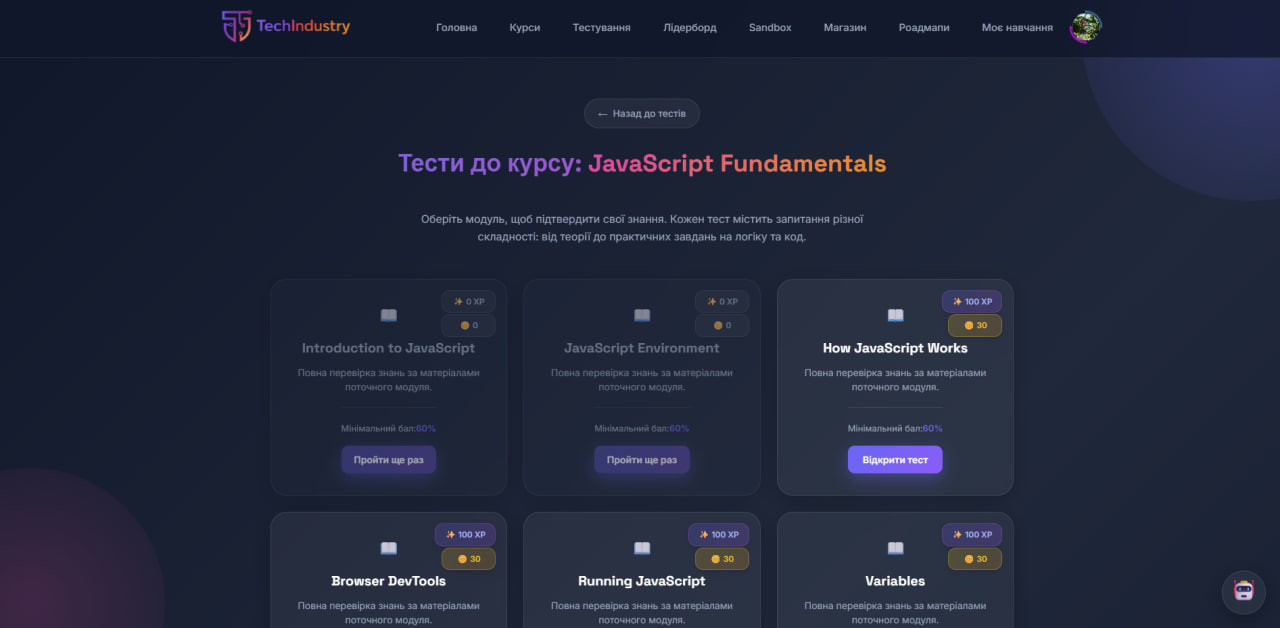
Quiz & Testing System
Interactive quiz center and module tests.
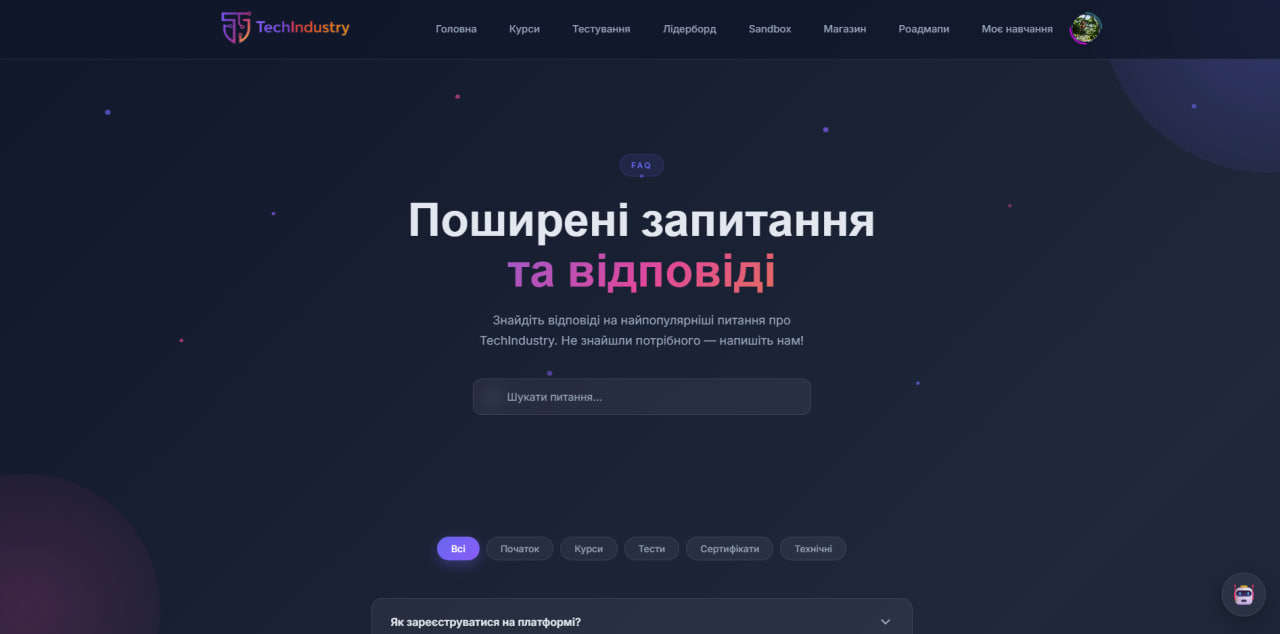
Q&A / Knowledge Section
Additional learning and knowledge validation.
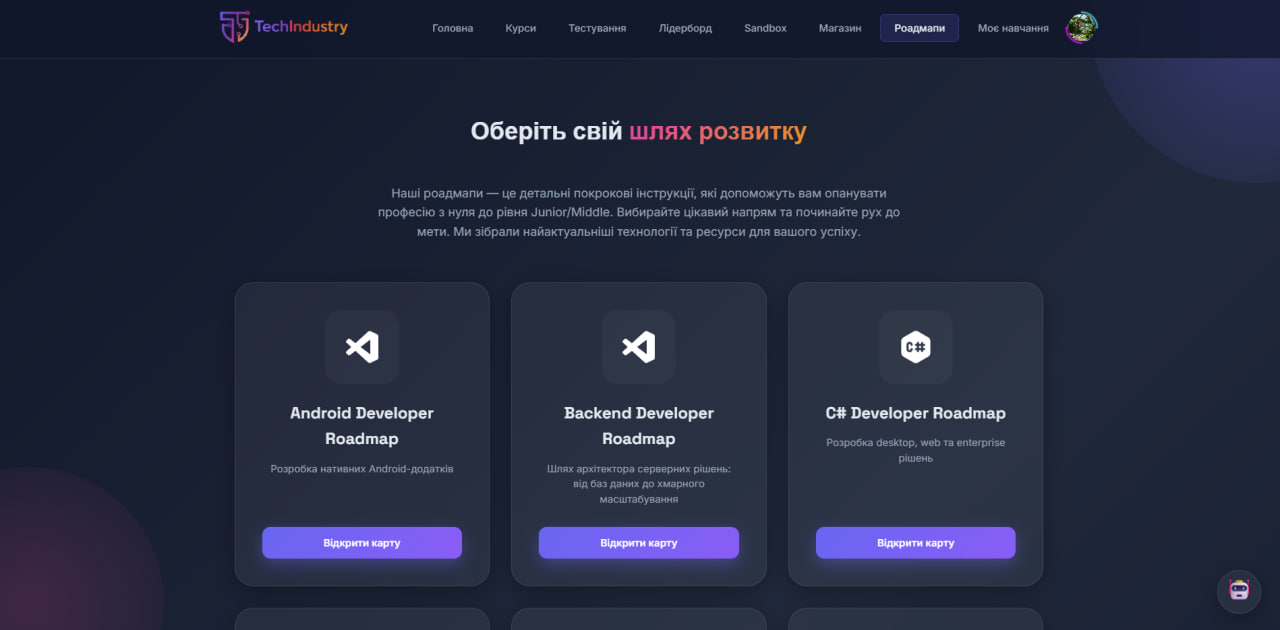
Learning Roadmaps
Structured learning paths and skill progression.
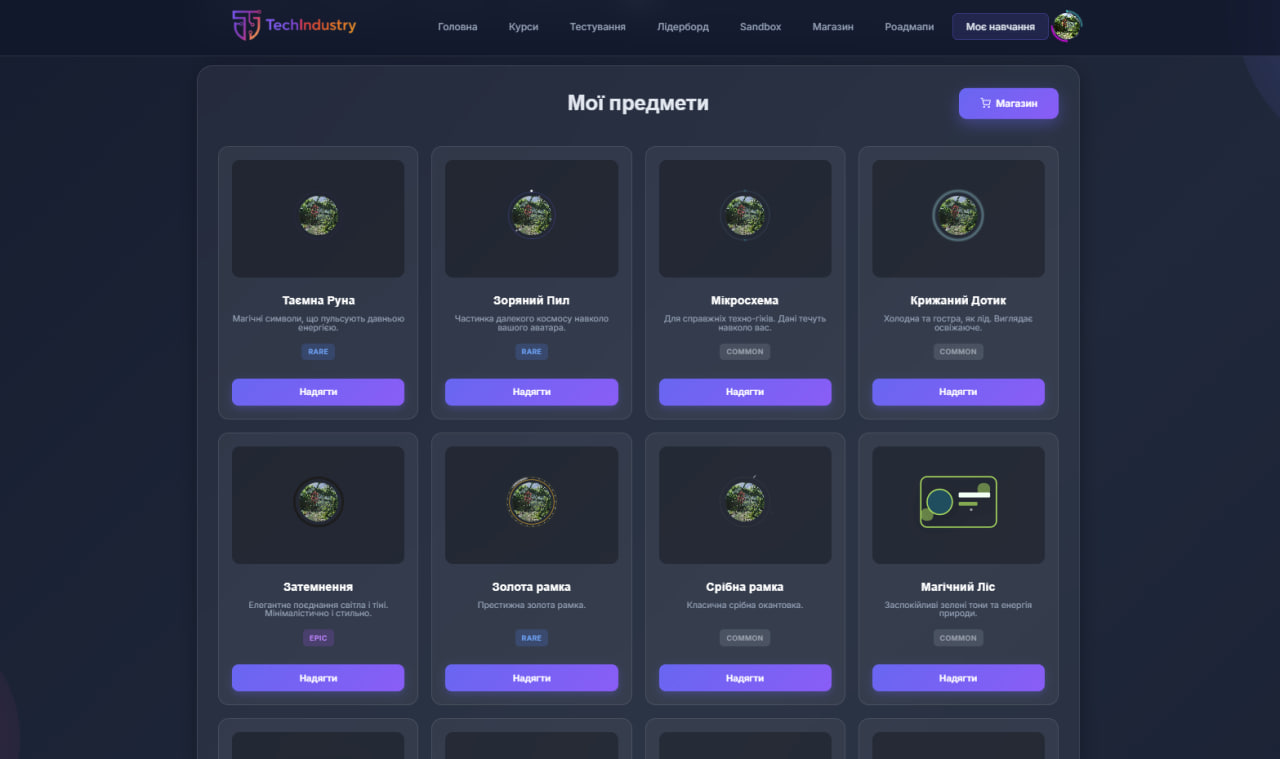
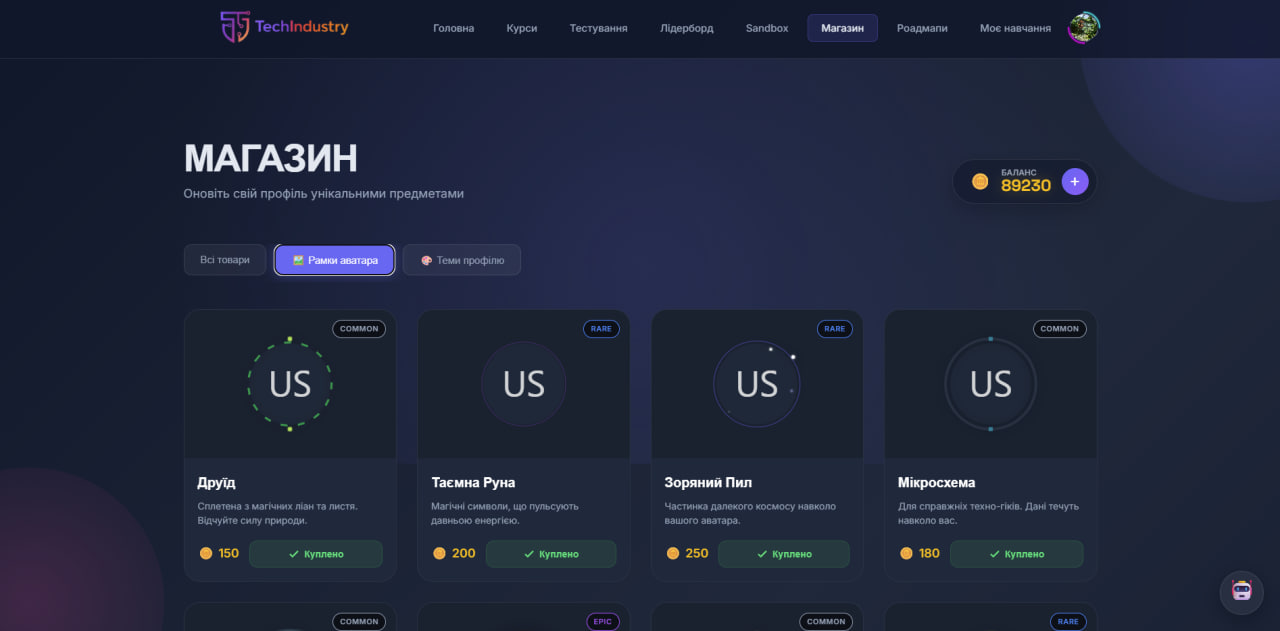
Shop & Profile Customization
Cosmetics, rewards, and coin-based economy.
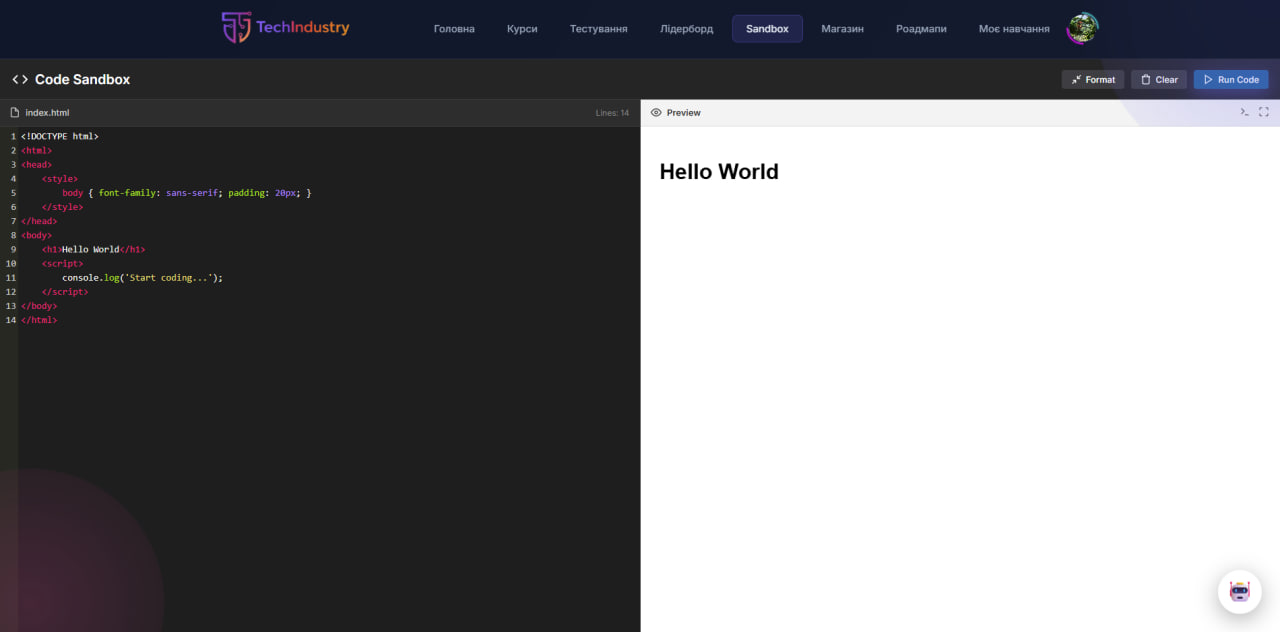
Code Sandbox
Built-in coding playground for experimentation.
Core Features
Learning Management System (LMS)
- Modular course structure (Courses → Modules → Lessons)
- Interactive lesson content with rich text and code examples
- Course categorization (Frontend, Backend, DevOps, Data Science)
- Fully responsive interface for desktop and mobile devices
User Progress Tracking
- Automatic lesson completion tracking
- Persistent progress storage in PostgreSQL
- Real-time progress visualization (percentages, progress bars)
- Course status states: not started, in progress, completed
Automated Assessment
- Module-based quizzes
- Instant validation of answers
- Detailed feedback for incorrect responses
- Progress analytics and learning insights
Gamification & Economy
- XP rewards for lessons/quizzes and course completion
- Coins economy (earn + spend), balance tracking
- Levels and badges system (progress-based achievements)
- Leaderboard with top users and stats
Profile Customization (Shop / Inventory)
- In-app Shop with categories and purchasable items
- Inventory page to manage owned cosmetics and upgrades
- Equip / unequip mechanics for profile customization:
- Avatar frames
- Title badges
- Profile themes
- Purchase history / transaction history support
Code Sandbox
- Built-in Sandbox page for experimenting with code and ideas
- Designed for quick practice without leaving the platform
Certification System
- Automatic course completion verification
- Secure PDF certificate generation
- Certificate availability checks via API
- Inline certificate preview and download
Authentication & Access Control
- JWT-based user authentication
- Secure protected routes
- Guest access with limited functionality
- Automatic token validation and expiration handling
Frontend Behavior
- Guests can browse public content (courses, roadmaps, leaderboard, info pages).
- Authenticated users unlock progress tracking, quizzes, certificates, shop, and profile customization.
- Restricted actions (quizzes, certificates, shop, profile features) require login and automatically redirect guests.
- UI dynamically changes based on authentication state (navigation, progress indicators, gamification stats, customization features).
- Private user pages (profile, settings, quizzes, certificates, shop, inventory) are excluded from search indexing.
- Public pages are optimized for SEO and performance using SSR, dynamic meta tags, canonical URLs, lazy loading, and optimized font loading.
Repository Structure
- main – Project documentation, configuration, and metadata
- dev – Active development branch
- feature/ – Feature-specific branches (authentication, quizzes, certificates, etc.)
- fix/ – Hotfix branches for critical issues
- refactor/ – Code refactoring, performance improvements, and internal optimizations without changing functionality
Getting Started
Prerequisites
- Node.js (LTS recommended)
- PostgreSQL
Installation
- Clone the repository:
git clone https://github.com/polchduikt/TechIndustry.git
cd TechIndustry
- Install dependencies:
npm install express cookie-parser dotenv jsonwebtoken express-validator multer sequelize
- Configure environment variables:
Create a .env file in the project root and define:
PORT=port
DB_HOST=host
DB_PORT=db_port
DB_NAME=your_db_name
DB_USER=your_user
DB_PASSWORD=password
JWT_SECRET=secret_key
EMAIL_USER=your_email
EMAIL_PASSWORD=password
GROQ_API_KEY=key
GOOGLE_CLIENT_ID=your_client_id
GOOGLE_CLIENT_SECRET=you_client_secret
GOOGLE_CALLBACK_URL=callback_url
NODE_ENV=development
- Run database migrations and start the server:
npm run dev
API Highlights
Public APIs (No Authentication Required)
Authentication
POST /api/auth/register– Register a new user with optional avatar uploadPOST /api/auth/login– User login (returns a JWT token)
Courses & Roadmaps
GET /api/courses– Retrieve the full catalog of available coursesGET /api/courses/:slug– Get detailed course information (modules, descriptions)GET /api/courses/lessons/:lessonId– Retrieve lesson content and materialsGET /api/roadmaps/:id– Load a structured learning roadmap (frontend, backend, etc.)
Quizzes & Assessments
GET /api/courses/:slug/quizzes– List available quizzes for a specific courseGET /api/courses/:slug/quizzes/:moduleId– Retrieve quiz questions (without correct answers)POST /api/courses/:slug/quizzes/:moduleId/submit– Submit quiz answers for server-side validation
Protected APIs (Authentication Required)
Profile Management
GET /api/auth/profile– Retrieve the current user profile dataPATCH /api/auth/update-profile– Update email, phone number, or usernamePATCH /api/auth/change-password– Secure password change with old password verificationPOST /api/auth/upload-avatar– Upload or replace profile avatar (Base64)DELETE /api/auth/delete-avatar– Remove the current profile avatar
Learning Progress
GET /api/progress– Retrieve all enrolled courses with their progress statusPOST /api/progress/start– Start a new course and create a progress recordGET /api/progress/course/:courseSlug– Retrieve detailed progress for a specific coursePOST /api/progress/lesson– Mark a lesson as completed
Certificates
GET /api/certificates/check/:courseId– Check certificate eligibilityGET /api/certificates/generate/:courseId– Generate a certificate recordGET /api/certificates/download/:courseId– Download the certificate as a PDF file
Project Status
The project is actively developed and continuously improved. Current priorities include performance optimization, extended analytics, and enhanced assessment logic.
License
This project is licensed under the MIT License.